
Cookies were only ever the easy way
A cookie is a small note the website asks your browser to keep. Next time you visit, the browser hands the note back and the site knows who you are.
It works, it is simple, and it has one obvious weakness: you can throw the note away. Everybody figured that out, browsers made it easier, and regulators made sites ask permission first.
So the industry moved on to something you cannot throw away — your computer's own description of itself. The technical name is browser fingerprinting. The idea is easier than the name suggests.
What your browser tells every site, automatically
To display a page properly, your browser has to share a certain amount about the machine it is running on. A site can read all of it, and reading it takes a few thousandths of a second.
- Your screen size, and how much of it the browser window occupies
- Which operating system you use, and roughly which version
- Which fonts are installed — which quietly says which OS and which office software you have
- Your timezone and your language settings
- How many processor cores your machine has, and roughly how much memory
- Which graphics card is in it — by name
- Whether you have a touchscreen
None of that is secret and none of it required your permission. It is the ordinary information a page needs to lay itself out. But bundled together it describes a fairly specific computer.
The clever part: drawing something invisible
Two measurements go further than the list above, and they are the ones people find surprising.
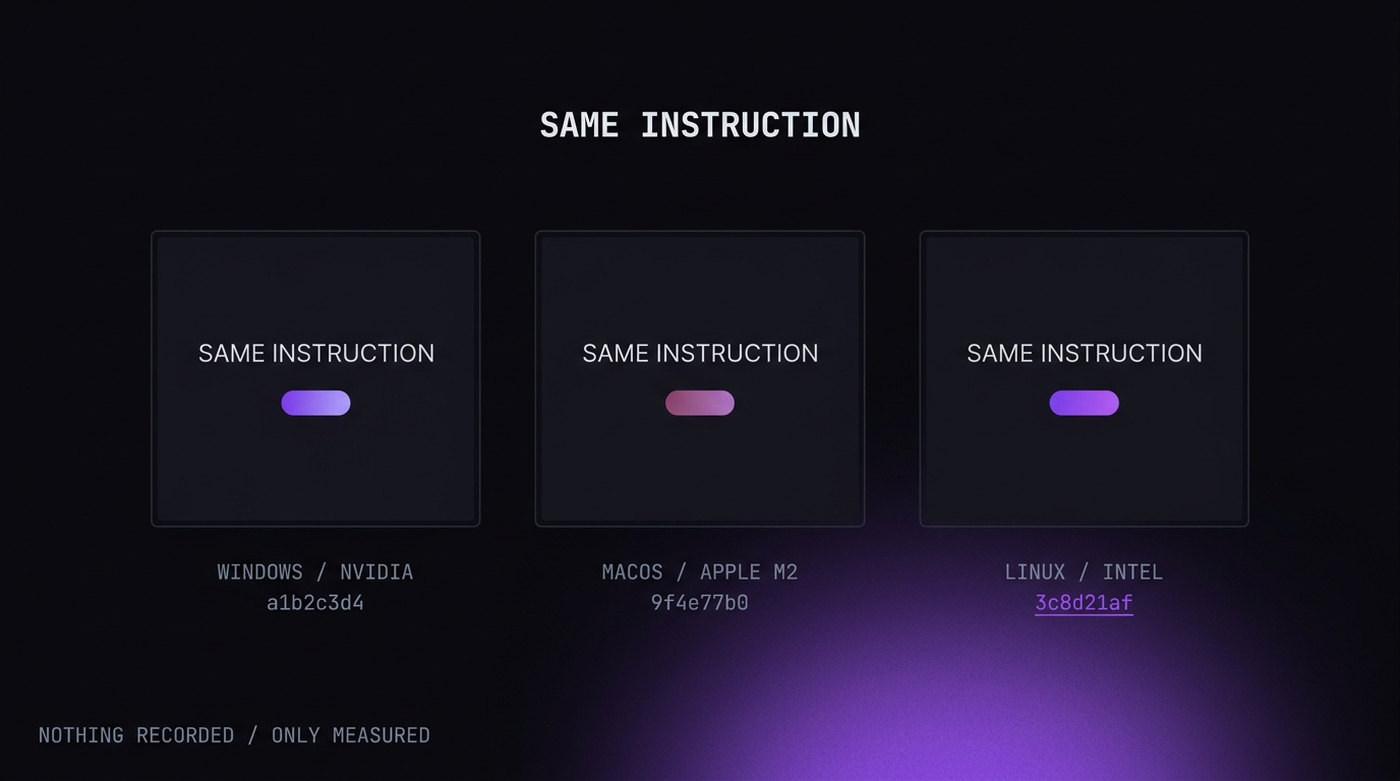
Drawing. The site asks your browser to draw something — a line of text, a shape, a gradient — on a canvas you never see. Then it reads back the pixels. Because every combination of graphics card, driver and operating system smooths edges slightly differently, the result is not quite identical between machines. Two computers of the same model usually match; a Mac and a Windows laptop never do.
Sound. The same trick with audio. The browser is asked to generate a tone and process it, without ever playing it aloud. The maths happens in floating point, and tiny differences in how each machine rounds produce a slightly different result.
Neither uses your camera or your microphone. Nothing is recorded. The site is measuring how your machine performs a calculation, and that is enough.
How unique does that make you?
More unique than most people expect, and the reason is arithmetic rather than anything sinister.
Each detail on its own is common. Plenty of people have a 1920×1080 screen. Plenty are in your timezone. Plenty use Chrome on Windows 11. But the odds multiply. By the time you combine fifteen or twenty of these, the combination is often unique among millions.
Research going back to the Electronic Frontier Foundation's Panopticlick project found the installed font list alone narrows a browser to roughly one in fifteen thousand. Add the graphics card and the drawing test and you are usually down to one.
You can see your own. amiunique.org and coveryourtracks.eff.org both show you what a site reads and how rare your combination is. It takes about thirty seconds and it is the most convincing version of this article.
Why it matters if you have more than one account
For most people fingerprinting is an advertising and fraud-prevention story. It is how you get followed by the same shoes around the internet, and also how your bank notices a login from a machine it has never seen.
It becomes a practical problem the moment you have two accounts on one platform.
Open the second one on the same laptop and every measurement above is identical to the first. Same screen, same fonts, same graphics card, same drawing result. The platform does not need to guess whether the accounts are related. From where it sits, they are on one machine, and that is the exact pattern its rules were written to find.
This catches a lot of people who were not doing anything unusual — a freelancer running a client's page beside their own, someone with a personal and a business account, a seller with two shops. The intent does not enter into it. The machine matched.
What actually helps, and what does not
Ranked by how much difference each makes.
Does not help: incognito mode. It clears cookies when you close the window. Every measurement above is unchanged. More on that here.
Barely helps: a VPN. Changes your address, not your browser. Useful for other reasons, not this one.
Helps a little: a browser with fingerprint protection. Brave and Firefox both add small distortions to the drawing test and restrict some measurements. It makes you harder to follow across sites. It does not give you two identities on one machine — both your accounts still get the same protection, and therefore still match each other.
Helps for the account problem: a separate profile per account. Each profile reports its own screen, fonts, graphics card and drawing result. Two accounts look like two computers because everything measurable says so.
Helps most, and costs nothing: not creating the link in the first place. Different email, different phone number, different payment method per account. That is what platforms weigh most heavily, and no software substitutes for it.
The reasonable takeaway
Fingerprinting is not going away. It is too useful to the people who use it, most of whom are stopping card fraud rather than following you around.
If you have one account per service, this is a privacy annoyance and a good ad blocker handles most of the discomfort.
If you run several accounts on one platform — for work, for clients, for a business you keep apart from your name — then this is the mechanism that will link them, and it is worth understanding before it does. The fix is not to hide, it is to stop looking like one machine.